Where the hours go in tender review, and what to hand to AI
AI tender review, from the email with tender documents to a bid or no-bid decision. Where 40 to 60 minutes go, what AI can take on and what stays with people.
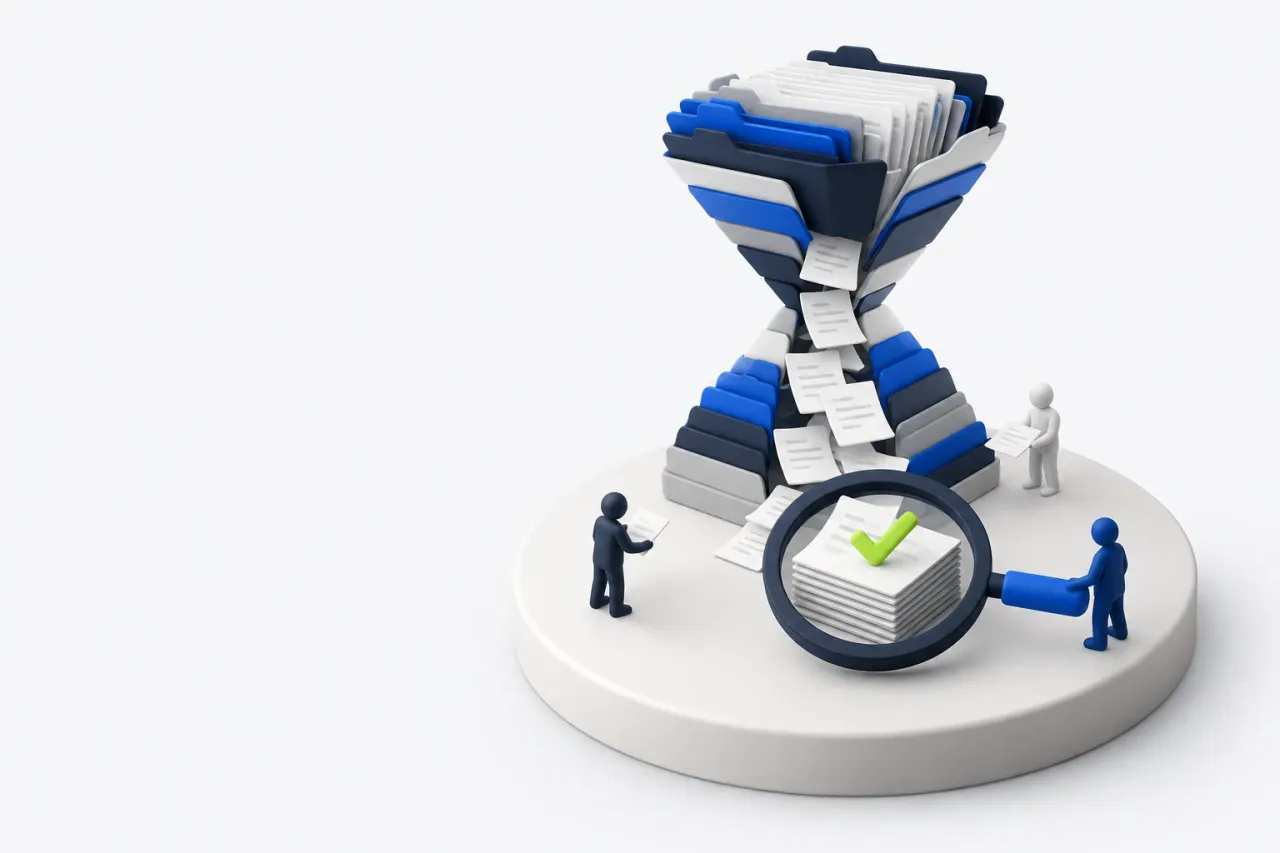
Monday, 9:12 a.m. A notice lands in the shared sales inbox: a long-standing customer has opened a new tender.
The archive holds four files. A notice, a draft contract, a technical specification and a bill of quantities in Excel. Bids close next Monday.
The head of sales forwards it to an account manager with a short note: "Take a look. Are we in?" The manager opens the spreadsheet, sees several hundred lines and puts it off until after lunch, because three customer orders are waiting in the inbox. By evening there is no answer.
On Tuesday it turns out the bid security needs sign-off from the CFO, who is on vacation.
Nobody lost this tender. Nobody got around to reviewing it.
What is in the archive
Public tenders usually come with a predictable set of documents. A description of what is being bought, the buyer's price ceiling, the rules for the bid, and a draft contract. Many buyers also ask for a bid security and a performance security, which tie up your cash until the contract is done.
Private tenders and RFQs look different, but the questions behind them are the same.
To make the bid/no-bid decision, someone has to turn these files into one page. What they want, by when, on what terms, whether you can supply it, and whether you will make money on it.
Where the 40 to 60 minutes go
Break the review into steps and the hour adds up from small things. Each one takes a few minutes. There are many of them, and almost every one means switching between a document and your ERP.
- Find the terms. Submission and delivery dates, securities, penalties, payment and acceptance. They are scattered across a long draft contract that people skim, missing the late-delivery clause.
- Translate the specification. The buyer writes "single-pole circuit breaker, 16 A". Your catalog has a manufacturer part number and a short name. Every line gets looked up by hand.
- Check the requirements. The technical spec adds characteristics, standards and packaging. This is where you catch grams instead of pieces, or meters where you sell by the coil.
- Find equivalents. If the exact item is missing, you need a substitute that still meets the spec.
- Check stock and lead times. What is on the shelf, what has to be ordered, how long the supplier takes and whether you can meet the delivery date.
- Run the numbers. Purchase prices against the price ceiling, with delivery and the cost of cash locked in securities.
- Remember the buyer. How they paid last time, whether there were disputes, whether acceptance dragged on.
An experienced manager gets through this in 40 to 60 minutes. A new hire takes longer and is more likely to miss something.
Why nobody sees these hours
No report has a line called "tender review". The time is spread across the day: twenty minutes in the morning, fifteen after lunch, ten more when purchasing finally answers about lead times. It feels like a small job until there are more tenders than people.
The reviews usually land on your most experienced people, the ones who know the catalog and the customers. Their time is also what you need for negotiations and key accounts.
A slow review costs more than it seems. While the tender sits in the queue, the deadline moves closer, and fewer days are left for the bid itself, the security and the price. Some tenders slip away because the decision came too late, even though you could have delivered.
And some tenders end in a no. The hour spent deciding not to bid is necessary, since there is no other way to learn the tender is wrong for you. It brings in no revenue, so it is the hour you most want to cut.
What AI can take on in tender review
Most of the steps above are reading, searching and matching. Language models handle that well, provided they can see your data: the product catalog, stock, purchase prices and the customer's history. Without that data, AI can summarize the documents but cannot tell you whether you can deliver.
- Read the documents and pull out the terms: dates, securities, penalties, payment. With a reference to the clause, so a person can check it.
- Match the specification to your catalog. Exact matches by part number and name first, then matching by meaning. When several items fit, the AI should ask instead of picking one.
- Check stock and lead times in your ERP and flag what has to be ordered.
- Pull the customer's history: past deals, payments, disputes.
- Put the findings on one card: how many lines you can cover, what is uncertain, what the risks are.
What comes out is prepared material for a decision. The manager gets it in minutes and sees right away where to focus.
Checking this material is faster than doing the work from scratch, as long as the AI shows where each finding came from.
A term comes with its contract clause. A line item comes with the catalog record it was matched to and a note on whether the match is exact or a best guess. Doubtful lines go on a separate list.
The manager then checks the handful of open questions instead of rereading the whole specification.
The bid/no-bid call stays with people
Bidding is a commercial call. AI can point out that the buyer paid late twice. Whether that is acceptable for the volume is a decision for a person.
- Price. How far to go down in the auction, where to protect margin, whether this buyer is worth a discount.
- Risk. Penalties, long payment terms, tight delivery windows.
- Relationships. Knowing the buyer has a new procurement lead, or that the spec was written around one particular supplier.
- Signing the bid. The company carries the responsibility.
A good rule for any AI tool in sales: it prepares, people decide. Anything that changes data in your ERP goes through an employee's approval, and every action can be rolled back.
How to measure it in your team
Take your last few tenders and write down honestly how long each step took. Mark the ones that ended in a no, and the step at which it became clear you would not bid.
Two things usually come up. Matching the specification to the catalog eats the most time. And a no is often visible from the contract terms alone, long before anyone needs to open the spreadsheet.
So it pays to change the order of the review as well: terms and buyer first, line items second.
How Helen does it
Helen is an AI assistant from Opsalute who works inside your ERP. An employee drags the tender files into a chat in the ERP's built-in messenger.
Helen reviews the documents, creates the tender in the system and writes her findings into its card: bid or no bid, dates, securities, made-to-order items and the buyer's history. The decision and the approval of every change stay with the employee.
At a B2B supplier where Helen works, a tender review takes 6 minutes instead of 40 to 60. In her first two months she reviewed more than 1,230 tenders. See how it looks.