Why an email order takes 15 minutes, and why an AI tab won’t fix it
AI order entry for email orders. Why turning a customer email into an ERP order takes 15+ minutes, where mistakes creep in and why an AI tab rarely sticks.
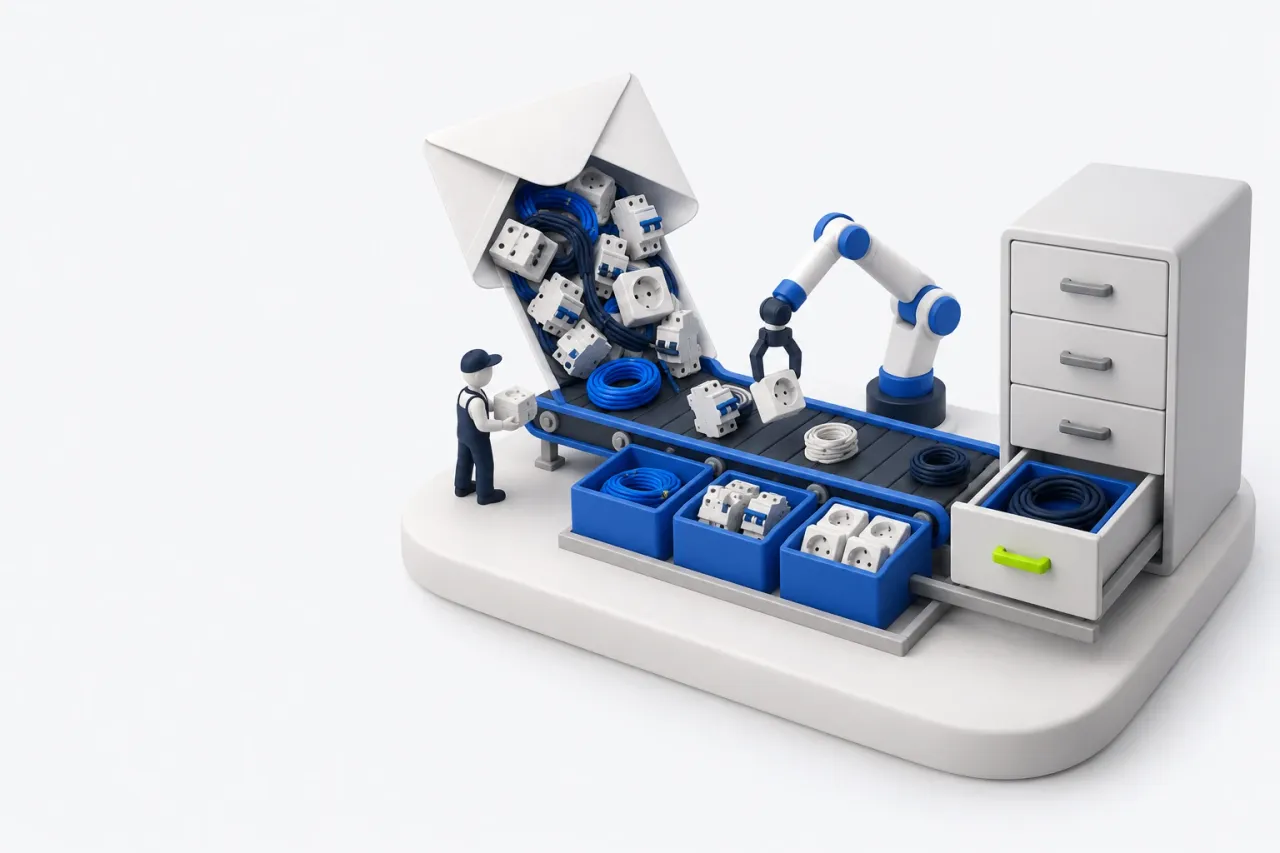
At 4:50 p.m. an email order arrives from a regular customer. "Hi, could you send us an invoice for the list below? We need it by Friday."
Under it are fourteen lines, typed the way the customer likes to type them. "Breaker 16A single pole, 40 pcs." "Cable 3x1.5, 3 coils." "Sockets, same as last time."
The account manager opens the ERP to enter the order and starts searching. With luck, the order is ready in a quarter of an hour. Without luck, the customer gets a "could you clarify" reply and the request slides into tomorrow.
One email like this is routine. Forty a day add up to about ten hours of manual order entry, and usually nobody was hired to do that work.
Where 15 minutes of order entry go
Typing is the quick part. The time goes into working out what the customer meant and translating it into the language of your system.
- Names. Customers write the way they are used to: from an old price list, by the manufacturer's part number, by a line copied from someone else's invoice. Your catalog calls the same item something else. Sometimes it is in there twice, as two duplicate records.
- Units of measure. The customer asks for coils, your stock is kept in meters. They count boxes, you count pieces. Miss the conversion and the order goes out with three meters of cable instead of three coils.
- Substitutes. The item is out of stock. The manager looks for a replacement the customer will accept and decides whether to offer it or wait for the delivery.
- Prices. The customer has contract prices or a discount, and some items went up last week.
- Stock and reservations. Is there enough, is it held for another order, can you ship by Friday.
- Entry and double-checking. Move everything into the document, check the total, go through the customer's list one more time.
Each step takes a minute or two. Together it is 15 minutes or more. A long list or a new customer takes longer.
Where mistakes come from
Mistakes in these orders are expensive, because the warehouse or the customer spots them before the manager does.
Mix up the units and three meters of cable go to the site. Pick the wrong one of two duplicate records and the invoice carries a different price. Miss a new purchase price and the deal loses its margin.
When the inbox is full, people rush. More requests mean more slips, and more time spent fixing them later.
Why order forms and portals do not fix it
The usual answer is to ask customers to order your way. Send a form with part numbers, open a customer account, launch a B2B portal. Some customers do switch.
Large, long-standing customers keep sending emails. They have their own ERP, their own item names and their own habits, and no reason to adapt to every supplier.
A site foreman types the order on his phone however he likes. A buyer forwards the engineer's specification without opening it. You cannot turn these orders away, because these are usually your most valuable accounts.
So free-form emails will need reading either way. The only question is who reads them and how long it takes.
The first idea is to give the team AI
Language models are good at reading free text. So the first idea is obvious: give the sales team an AI assistant. The manager copies the email, pastes it into a chat and gets a tidy table back.
Then the table has to go into the ERP. Find the records, check stock, apply contract prices. In other words, almost the same work as before, with a different starting point.
It saves a minute and adds another window plus a round of copy and paste.
That is why AI in a separate tab often ends up as a tool for a couple of enthusiasts. Everyone else tries it, says something polite and goes back to the usual routine.
What three attempts at AI order entry taught us
We rolled out an AI assistant at a B2B supplier, and it only stuck on the third try.
First attempt, a chatbot in a messaging app. It reviewed tender documents from an uploaded file, and the review worked. But the result still had to be moved into the ERP by hand. And the messaging app was not where the team worked: most employees did not use it at all.
Second, a separate web platform. It had everything: product matching, pricing, documents, a link to the ERP. Only a handful of people used it. The team spends the whole day in the ERP, and a new tab asked them for a change they had never signed up for.
Third, a contact inside the ERP. The assistant appeared in the ERP's built-in messenger, in the same list as colleagues. You can send it a request. It watches the inbox on its own and drafts the order before the manager opens the email.
That is when most of the team started using it, including people who dislike new software.
Building the technology is now easier than getting people to use it. The three attempts left us with four rules that fit any AI tool in sales.
- Work where people already spend their day. In the ERP and the inbox, with no new app and no new password.
- Make the first move. By the time the manager gets to the email, the request is already parsed. All that is left is to check it.
- Put the result straight into the ERP. A draft order in a real document. A table that still has to be retyped does not count.
- Make approval obvious. Nothing is written to the database without an employee's approval, every change shows on whose request it was made, and it can be rolled back.
What stays with the account manager
AI can prepare the order, but the conversation with the customer stays with a person. Whether to offer a substitute or wait, whether to give a discount beyond the contract, what to say when the dates do not work: those are the manager's calls. So is approving the order.
In this setup the manager types less and spends more time checking and deciding. A fifteen-minute chore shrinks to a couple of minutes, which leaves time to call the customer who has not ordered in a while.
How Helen does it
Helen is an AI assistant from Opsalute who works inside your ERP. She sees requests in the inbox and takes tasks in the ERP's built-in messenger. She matches items to your catalog, converts units of measure, checks prices and stock and prepares the order.
An employee reviews the lines and approves the change, and any action can be rolled back.
At a B2B supplier where Helen works, preparing an order takes 2 minutes instead of 15 or more. In her first two months she created more than 1,300 orders, and the supplier saves 7% of its payroll a year. See how Helen prepares an order.